Why Your Squash Club Needs a WhatsApp Group (And How to Manage It Properly)
Running a squash club means juggling court bookings, match schedules, member queries and last-minute cancellations. WhatsApp has become the default communication tool for most clubs, but without proper management, your group chat can turn into a chaotic mess of unread messages, lost information and frustrated members.
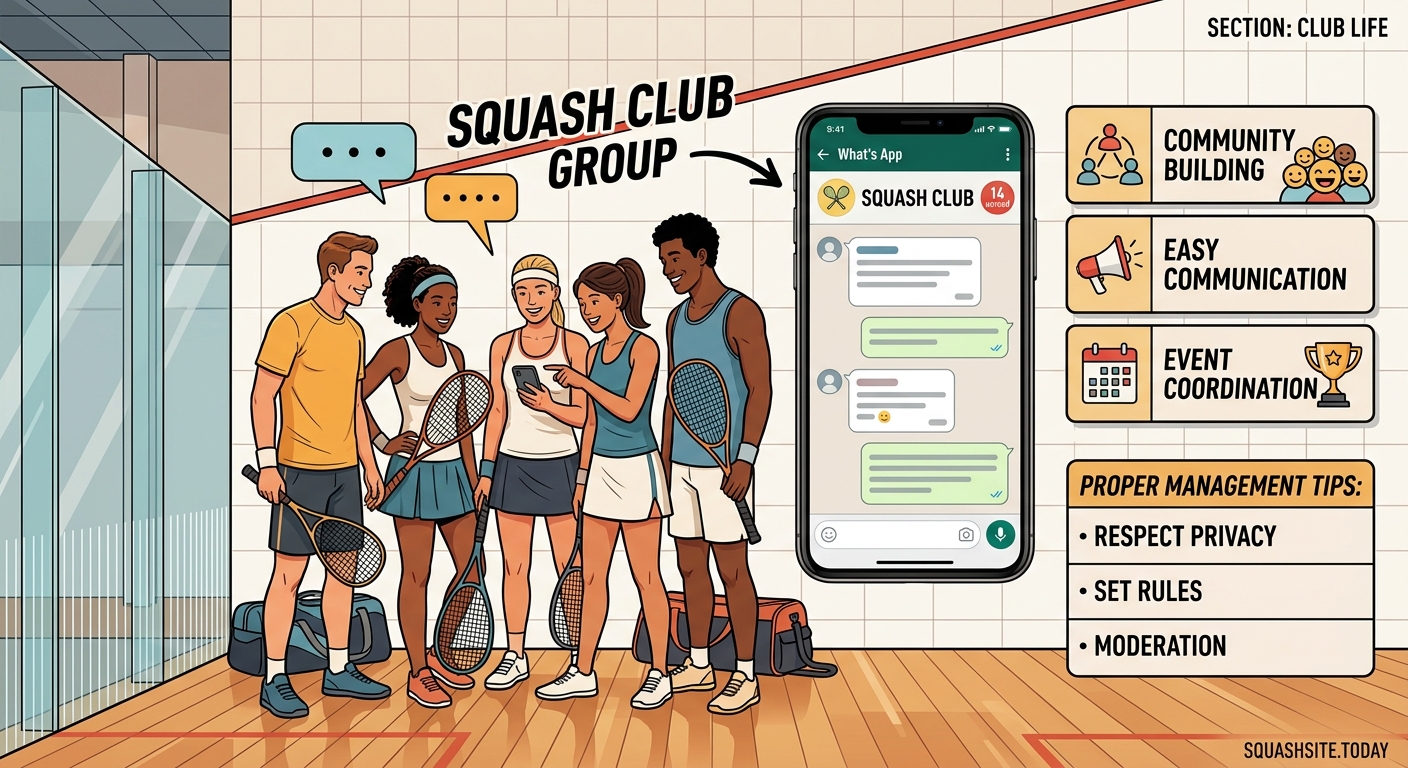
Effective squash club WhatsApp group management requires clear rules, structured communication and designated administrators. Set group guidelines from day one, create separate channels for different purposes, use pinned messages for essential information, and establish response protocols. Regular maintenance and member onboarding prevent chaos whilst keeping everyone informed about court availability, matches and club events without overwhelming participants with notifications.
Why WhatsApp Works for Squash Clubs
Most of your members already have WhatsApp installed on their phones. They check it daily.
No need to download specialist apps or remember new passwords. The barrier to entry is practically zero.
Group chats allow instant communication about court availability, match confirmations and weather-related cancellations. When someone drops out of a ladder match 30 minutes before start time, you can find a replacement within minutes.
The platform supports photo sharing for tournament brackets, video clips for technique discussion and document sharing for club policies. Everything lives in one accessible thread.
But popularity brings problems. Without structure, your club group becomes unusable.
Common Problems That Destroy Group Effectiveness
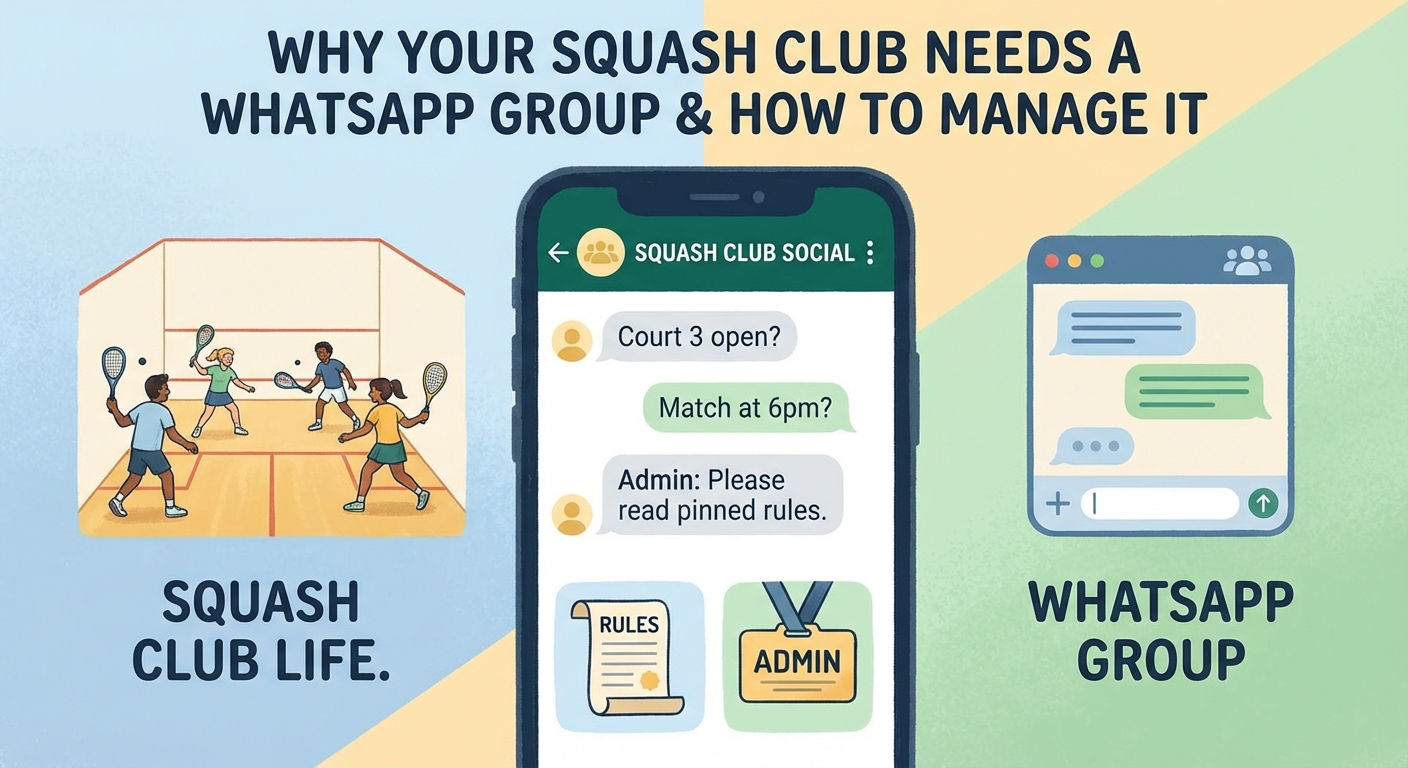
Messages get buried within hours. Someone asks about court availability on Tuesday evening. By Wednesday morning, 47 new messages have pushed that question off the screen.
Important announcements disappear in social chatter. Your club championship entry deadline gets lost between banter about last night’s match and someone sharing memes about tin shots.
New members feel overwhelmed joining a group with thousands of existing messages. They have no context for ongoing conversations and miss crucial information about club rules or payment procedures.
Multiple conversations happen simultaneously. Court bookings, coaching enquiries and social event planning all compete for attention in the same thread.
Notification fatigue sets in. Members mute the group to escape constant pings, then miss genuinely important updates about cancelled sessions or facility closures.
Setting Up Your Group Structure Properly
Start by creating separate groups for different purposes rather than cramming everything into one chat.
Your main club group should handle general announcements, court availability and match coordination. Keep this focused on practical club business.
Create a social chat group for banter, celebration messages and off-topic discussion. Members who want lighter engagement can mute this without missing essential club information.
Establish a committee or admin group for decision-making discussions. This prevents members from seeing every debate about budget allocation or facility maintenance.
Consider ladder-specific groups if you run multiple competitive levels. Your A-league players probably don’t need notifications about C-league scheduling.
Junior programmes deserve their own parent communication group. Mixing adult and junior coordination creates confusion for both audiences.
Group Naming Conventions
Use clear, descriptive names that immediately communicate purpose.
“Riverside Squash Club – Main” works better than “RSC Chat” or inside jokes that confuse new members.
Include the current season or year if you create temporary groups for specific tournaments or events. “Summer League 2024” prevents confusion when you start planning the next season.
Creating Group Rules That Actually Get Followed
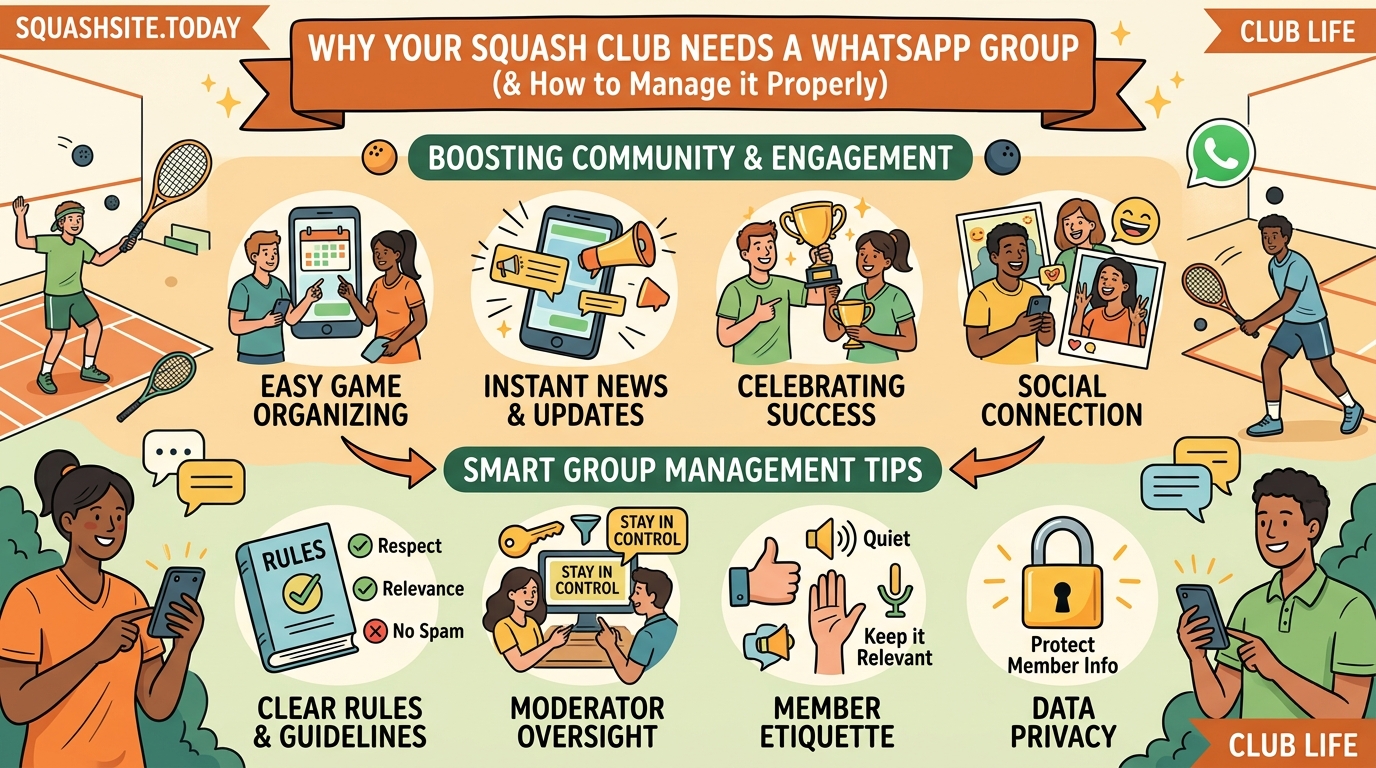
Post your guidelines as the first pinned message. Make them visible and accessible.
Here are the essential rules every squash club WhatsApp group needs:
- Match coordination only in main group. Social chat belongs in the separate social group.
- No forwarded content unrelated to squash. Nobody needs motivational quotes or political messages in the club chat.
- Respond to direct questions within 24 hours. If someone tags you about match availability, acknowledge the message.
- Use reply function for specific conversations. This keeps related messages threaded together.
- Limit voice messages to genuine emergencies. Not everyone can listen to audio in their workplace or during commutes.
- Share photos sparingly. Tournament results and club events are fine. Your lunch is not.
- No promotional content without admin approval. Even if your cousin sells sports equipment.
State consequences for rule violations. First offence gets a private warning. Repeated issues result in removal from the group.
Enforce rules consistently. Favouritism destroys group cohesion faster than any amount of spam.
The Administrator Role and Responsibilities
Designate at least three administrators to spread the workload and ensure coverage during holidays.
Your admin team should include someone who checks the group morning, afternoon and evening. Messages about court emergencies or last-minute cancellations need prompt responses.
Administrator duties include:
- Approving new member requests and conducting brief onboarding
- Removing spam or inappropriate content immediately
- Updating pinned messages with current information
- Mediating disputes about court bookings or match scheduling
- Posting weekly reminders about upcoming events
- Archiving old messages to reduce clutter
Rotate admin responsibilities quarterly to prevent burnout. Running a group chat is genuine work that deserves recognition.
Create a simple admin protocol document that explains how to handle common situations. This helps new admins maintain consistency when they take over duties.
Structuring Daily Communication
Morning posts work best for court availability updates. Members planning their evening sessions check their phones during breakfast or commute time.
Afternoon messages suit match confirmations and last-minute partner searches. People finalise evening plans around 3pm to 5pm.
Avoid posting non-urgent information after 9pm. Late-night messages trigger notifications that annoy members trying to wind down.
Use the following format for match coordination posts:
Date: Thursday 15th March
Time: 7pm
Court: Court 2
Looking for: One player, intermediate level
Contact: Reply here or message Sarah directly
This structure gives members all necessary information at a glance without requiring them to read through conversational back-and-forth.
Making Pinned Messages Work Harder
WhatsApp allows up to three pinned messages. Use them strategically.
Pin one should always contain current group rules and administrator contact details.
Pin two should highlight the most urgent upcoming event or deadline. Update this weekly.
Pin three works well for frequently requested information like court booking procedures, membership fees or facility address.
Refresh pinned content regularly. Stale pins become invisible to members who scroll past them automatically.
Managing Match Coordination Effectively
Create a standard template for match requests that members can copy and customise:
MATCH REQUEST
Player: [Your name]
Level: [Beginner/Intermediate/Advanced]
Preferred day: [Day]
Preferred time: [Time]
Duration: [30min/45min/60min]
This eliminates the endless “anyone fancy a game?” messages that provide no useful detail.
Encourage members to update the group when matches are confirmed. A simple “Sorted, thanks everyone” prevents multiple people offering to play the same slot.
For ladder matches, require players to post results within 24 hours using this format:
LADDER RESULT
Winner: [Name] 3
Runner-up: [Name] 1
Date played: [Date]
Consistent formatting makes tracking league standings infinitely easier.
Handling New Member Onboarding
Send every new member a private welcome message before adding them to the group. Include:
- Link to full club rules and membership information
- Explanation of group purpose and communication norms
- Current pinned message highlights
- Key contact details for specific queries
Ask them to introduce themselves with a brief message in the main group. Prompt them to share their playing level, availability and what they hope to gain from club membership.
Existing members should welcome newcomers warmly. A friendly “Great to have you, Sarah! I’m usually around Tuesday evenings if you fancy a knock” makes people feel included immediately.
Assign new members a temporary buddy for their first month. This experienced member answers questions privately and helps them navigate club culture without cluttering the main group with basic queries.
Dealing With Problem Behaviours
Some members will test boundaries. Address issues promptly and privately.
For excessive messaging, send a direct message: “Hi John, noticed you’ve posted 15 times today. Could you consolidate updates into one or two messages? Helps keep the group manageable for everyone.”
For off-topic content, remove it quickly and message the poster: “Removed your post about car insurance. Please keep main group focused on squash. Feel free to share in the social chat group instead.”
For conflicts between members, take the conversation private immediately. Public arguments poison group atmosphere and drive members away.
Document serious violations. If you need to remove someone from the group, having a record of warnings and problematic behaviour protects you from accusations of unfair treatment.
Using WhatsApp Features Strategically
Group descriptions should contain essential information like court address, booking website and emergency contact numbers. Members can reference this without scrolling through messages.
Disappearing messages work well for time-sensitive content. Set 24-hour or 7-day timers for match coordination posts to prevent old availability requests cluttering the chat.
Polls help gauge interest for social events or preferred training times. “React with 👍 if you can make Saturday morning coaching” gets faster responses than asking people to reply individually.
Broadcast lists suit one-way announcements that don’t need discussion. Use these for payment reminders or facility closure notifications.
Status updates work for very urgent, time-critical information like “Courts flooded, all sessions cancelled tonight.” Members see these even if they’ve muted the group.
Creating Supporting Documentation
Build a simple FAQ document that answers common questions:
- How do I book a court?
- What are membership fees and payment methods?
- Where can I find club rules?
- Who do I contact about coaching?
- What equipment do I need?
- Are there shower facilities?
Share this document in the group description and reference it when new members join.
Maintain a separate document with contact details for specific responsibilities. Members need to know who handles membership queries versus who manages tournament entries versus who coordinates social events.
Update both documents quarterly and announce changes in the group chat.
Comparing Management Approaches
Different clubs need different structures. Here’s how various approaches compare:
| Approach | Best For | Limitations |
|---|---|---|
| Single group for everything | Clubs under 20 members | Becomes chaotic as membership grows |
| Multiple topic-specific groups | Clubs with 50+ members and varied activities | Requires more admin oversight |
| Main group plus broadcast lists | Clubs with passive members | Less community feeling |
| WhatsApp plus external booking system | Professional clubs with paid courts | Higher technical barrier |
| Age or skill-based groups | Clubs with distinct member segments | Can create silos and reduce mixing |
Most clubs benefit from starting simple with one main group and one social group, then expanding structure as membership grows.
Measuring Group Health
Track these indicators monthly to assess whether your management approach works:
- Average response time to match requests
- Percentage of members who post versus lurk
- Number of rule violations or conflicts
- New member retention after three months
- Attendance at events promoted through the group
Healthy groups show consistent engagement without overwhelming any individual member.
Survey members annually about communication preferences. Ask what works, what frustrates them and what improvements they’d value.
When WhatsApp Stops Being Enough
Some clubs outgrow WhatsApp’s capabilities. Signs you need a more robust solution:
Your membership exceeds 200 people. WhatsApp groups cap at 256 participants, and managing that many people in one chat becomes impossible.
You need detailed court booking systems with payment integration. WhatsApp can’t handle complex scheduling or financial transactions securely.
You want member profiles with skill ratings, match history and availability calendars. WhatsApp offers no database functionality.
You need to archive conversations for governance or safeguarding purposes. WhatsApp’s export features are clunky and incomplete.
You’re spending more than five hours weekly on group administration. Your time has value, and purpose-built club management software might justify its cost.
At this point, consider platforms designed specifically for sports clubs. But for most squash clubs with under 100 active members, well-managed WhatsApp groups provide everything you need.
Seasonal Adjustments and Maintenance
Review group membership quarterly. Remove people who haven’t posted in six months or who’ve left the club.
Archive old groups when seasons end rather than deleting them. You might need to reference previous tournament formats or successful event structures.
Refresh group rules before each new season. Add learnings from problems that emerged during the previous months.
Conduct admin handovers properly when committee positions change. The incoming administrator should shadow the outgoing one for at least two weeks to understand workflows and common issues.
Back up important information like membership lists, payment records and tournament results outside WhatsApp. The platform isn’t designed for permanent record keeping.
Practical Tips From Experienced Administrators
“The best thing we did was create a 24-hour rule. No one can complain about a match result or court booking issue more than 24 hours after it happens. Stops people stewing and dumping negativity into the group days later.” – Club administrator, Manchester
“We post a weekly digest every Sunday evening. Upcoming matches, court availability, any rule changes, social events. Members love having everything in one place instead of piecing together information from scattered messages throughout the week.” – Club secretary, Bristol
“New members get a buddy for their first month. That buddy’s job is to answer stupid questions privately so the main group doesn’t get clogged with ‘where are the changing rooms?’ messages. Works brilliantly.” – Membership coordinator, Edinburgh
These small adjustments make enormous differences to group functionality and member satisfaction.
Building Community Through Digital Communication
WhatsApp groups serve practical coordination needs, but they also build club culture and community feeling.
Celebrate member achievements. When someone wins their first competitive match or completes a challenging ghosting routine, acknowledge it publicly.
Share relevant squash news or professional tournament results. Members enjoy discussing match-winning tactics from top players they can try implementing themselves.
Post photos from club events and social gatherings. Visual content generates engagement and helps members who couldn’t attend feel connected.
Encourage members to share training tips or technique advice. Someone asking about improving their backhand might benefit from guidance on common volley mistakes.
Balance practical coordination with community building. A group that’s purely transactional feels cold and corporate. A group that’s purely social becomes useless for actual club management.
Making Your WhatsApp Group Indispensable
Successful squash club WhatsApp group management comes down to clarity, consistency and consideration for member experience.
Set clear rules from the beginning. Enforce them fairly. Provide structure through multiple groups, pinned messages and standardised formats for common requests.
Designate responsible administrators who actively maintain the group rather than letting it run wild. Onboard new members properly so they understand expectations and feel welcomed.
Review and adjust your approach regularly based on member feedback and changing club needs. What works for 30 members might not work for 80.
Your WhatsApp group should make club participation easier and more enjoyable, not add stress or confusion. When managed well, it becomes the digital heartbeat of your squash club, coordinating matches, building friendships and creating the kind of engaged community that keeps members coming back to the court week after week.
Start with the basics outlined here, adapt them to your specific club culture, and watch your communication transform from chaotic noise into purposeful connection.